Pay for Website Traffic With PayPal, Apple Pay or Card
You want more visitors. You don’t want to buy coins first. Fair enough.
You can pay for website traffic with PayPal, Apple Pay, Google Pay, or a card, and crypto never has to enter the picture. We built Traffic-Fans because plenty of traffic sellers are dishonest, and a clear checkout is the first place a seller shows which kind it is. Here is exactly how paying works, what happens to your money, and what you get back if plans change.
Traffic Payment Options: PayPal, Apple Pay, Google Pay and More
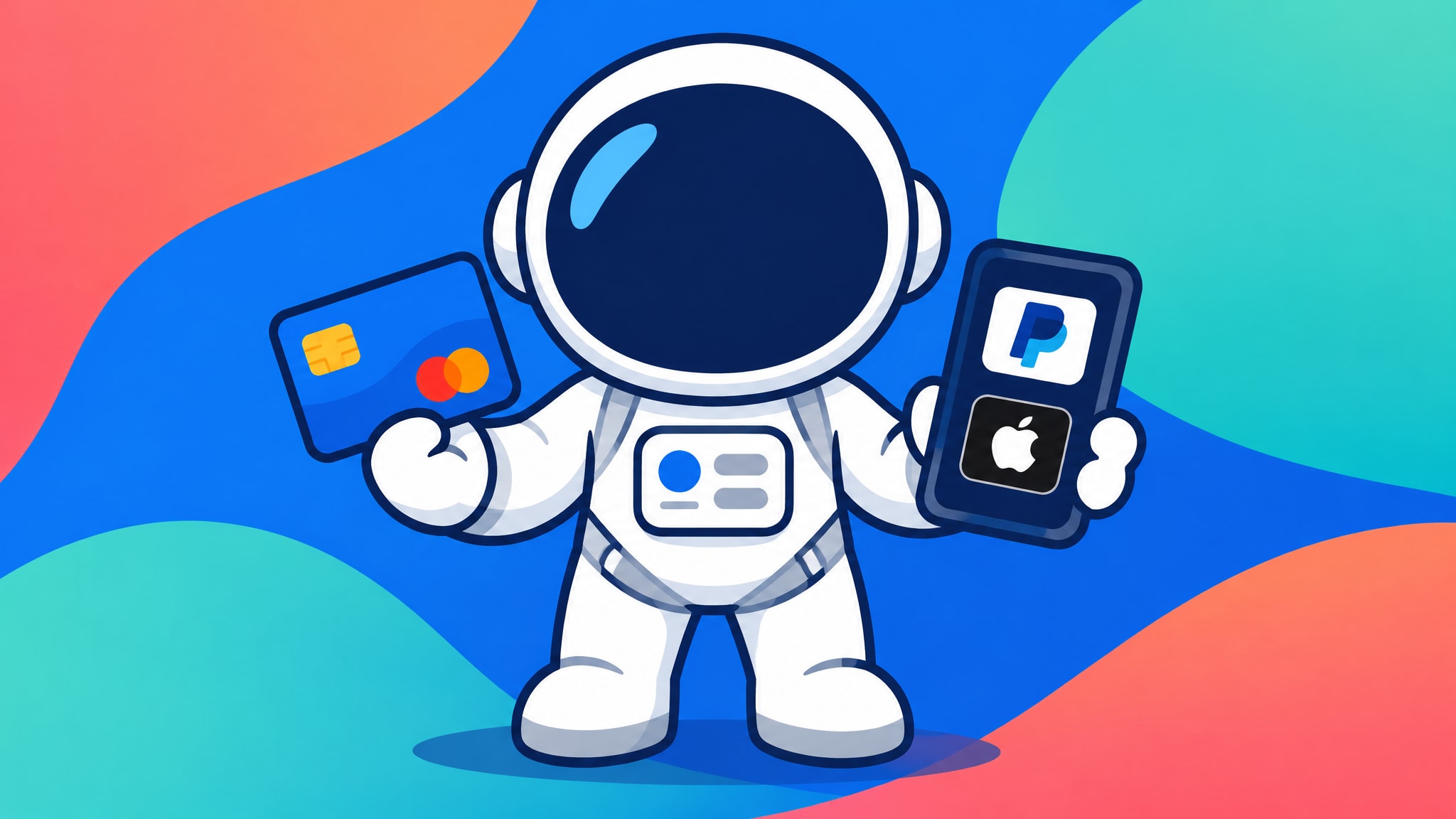
Short answer: yes, you can buy traffic without touching crypto. These are the ways to pay:
✅ PayPal
✅ Card or debit (processed via PayPal)
✅ Apple Pay
✅ Google Pay
✅ Bank transfer
✅ Crypto via Coinpayments.net (BTC, BNB, DASH, DOGE, ETH, ETC, LINK, MATIC, SOL, TRX, LTC, SHIB, USDT and USDC)
Crypto is one more route on the list, not the main one, and you can ignore it completely.
One thing to be straight about: payment buys visitors. It does not buy guaranteed conversions, clicks, likes or follows, because these are real people whose behaviour nobody can control, and that applies to every provider that is being honest with you.
Buy Traffic with a Credit Card or Debit Card
If you’d rather buy traffic with a credit card or a debit card, the card payment goes through PayPal, so you enter your details inside PayPal’s own flow. You don’t need to hold a PayPal balance to use it, and the store never has to see your card number on its own page. Prefer a wallet? Apple Pay and Google Pay sit right beside it at checkout, and the next section shows how each one fits into the order.
How to Pay for Website Traffic at Checkout
Managed packages from Traffic-Fans.com are paid for once, per campaign. There is no subscription and no balance to keep topped up. You pay a fixed, pre-set price for the package or volume tier you choose, and that’s the whole transaction.
From Order Form to Cart: What You Fill In First
Before payment comes the order form. Take GEO and Niche Targeted Traffic as the worked example. You fill in:
✅ Volume
✅ GEO (the country or countries your visitors should come from)
✅ Niche or keywords
✅ Delivery speed
✅ Your URL
✅ Notes for the team
Then you add the package to your cart and head to checkout. Each campaign gets its own order, so a second site or a different keyword set means a second pass through the form.
Because the form is what the team builds your campaign from, a wrong URL or a vague niche is the most common slip. If you want every field explained in more depth, the step-by-step ordering guide walks through them one by one.
Paying With PayPal, Apple Pay or Google Pay
At checkout you pick your method and confirm. That’s it.
- PayPal or card/debit: choose PayPal, then log in or pay by card inside PayPal’s window.
- Apple Pay website traffic orders: choose Apple Pay and confirm the payment on your device, exactly as you would in any other online shop.
- Google Pay traffic purchase: choose Google Pay, pick the card saved in your wallet and confirm.
Once the payment clears, Traffic-Fans staff set up your campaign manually, using the details you entered on the form. After that you have no ongoing control over it, so if you need a pause or a change, you contact support and the team handles it. That is the trade-off with managed packages: you get a hands-off setup, and you give up a dashboard.
Not sure a managed package is right? Ask for the one-per-customer free trial through the contact form and see the traffic in your own analytics before you spend a cent.
Self-Serve Top-Ups Work Differently From Managed Package Orders
Traffic-Fans.PRO is the same brand, but it isn’t a package shop. It is a self-serve ad platform, so you don’t order a fixed package. You top up an account balance and spend it on campaigns you build yourself in the panel.
Inside the panel you set the targeting, budget, bidding and filters, which means you decide how fast the money goes. You can create, pause, duplicate and edit campaigns at any time, with nobody in between.
Here is how the first top-up works:
✅ You make your first top-up
✅ Your account is created within 12 hours
✅ Login details arrive by email
✅ From then on, you build campaigns in the panel yourself
✅ Later top-ups are instant, from inside the panel
There is no order form with a volume and GEO dropdown for each traffic type here. Display, Verified Audience, Native, Push Notifications, Pop and Audience are all configured in the panel, and that’s a different job from filling in a form. If you have never run an RTB campaign and don’t want to learn bidding, self-serve is not the right fit, and a managed package will suit you better. This comparison of managed packages versus self-serve balances helps you pick before you pay.
Security and Trust Checks Before You Pay
You’ve probably been burned by a shady seller before, so it’s reasonable to want to know where your card details end up. Two things matter here: what the merchant receives, and what you check on your side.
How Wallets and PayPal Keep Card Numbers From the Merchant
Apple Pay and Google Pay send the merchant a token instead of your actual card number. The shop gets something it can charge, but it never gets the number printed on your card.
PayPal works another way. It handles your card or account details inside its own flow, so you enter them in PayPal’s window, not in a form on the merchant’s page.
Neither method changes what you are buying. A secure payment protects your card data, and the refund rules below protect your order. When something goes wrong with a campaign, it’s the store’s refund policy that governs, so read that part before you pay.
Checks to Make Before You Enter Payment Details
Make sure you are on the official Traffic-Fans.com checkout before you type anything in. Look at the address bar, and don’t pay through a link you can’t trace back to the site.
Then a few habits that cost you nothing:
✅ Keep the order confirmation, including the package and the URL you entered
✅ Re-read your URL and notes on the form before you pay
✅ If any form field is unclear, contact support first and pay afterwards
Support is quick and friendly, and asking before paying is far easier than fixing a form afterwards. For the wider picture, our guide to buying website traffic safely covers what to look for in any provider.
Refund Rules for Website Traffic Paid by Card, PayPal or Wallet
Refunds depend on which flow you used, not on which payment method. Card, PayPal, Apple Pay and Google Pay all sit under the same rules.
Managed Packages: Full Refund Before Go-Live, Pro-Rata After
The rule is simple. If the campaign hasn’t started, you get a full refund. Once it is live, you get a pro-rata refund on the unused portion.
That makes the time before go-live your full-refund window. Some packages take longer to start than others. Organic Traffic from Google may take 12-24 hours to go live because it is built from several different traffic sources. It shows as organic in Analytics, but it comes from private traffic-exchange partners, not real clicks on Google search results.
So if you change your mind on a package like that, ask support while it’s still in the queue. A refund request made before go-live is the cleanest one.
Self-Serve Balances: Money Back on Unused Funds
Self-serve balances carry a money-back guarantee on the remaining unused balance. Spent money has bought visitors and stays spent, while the rest comes back to you. Crypto top-ups are excluded.
Refunds are tied to what you used and what you haven’t, never to results. Nobody refunds or withholds money based on whether visitors converted, clicked or followed, because the service doesn’t promise those things in the first place.
Non-Crypto Traffic Purchases: Your Options and Refund Rights
If you avoid crypto, this section is for you. Paying by card, PayPal, Apple Pay or Google Pay does not put you on a lesser refund plan.
Your non-crypto options are:
✅ PayPal
✅ Card or debit (processed via PayPal)
✅ Apple Pay
✅ Google Pay
✅ Bank transfer
None of them is excluded from the refund rules above. You get the same full refund before go-live, the same pro-rata refund afterwards, and the same money-back guarantee on unused self-serve balances as anyone else.
You don’t need a wallet, an exchange account or any coin knowledge to order. If you can pay for a pair of trainers online, you can buy traffic.
Crypto Is the Exception to the Refund Rules
Crypto is the only payment method the policy names as excluded from refunds. That is how the policy is written, for managed packages and self-serve top-ups alike.
If you pay in crypto anyway, that’s your call, and the list of coins above is yours to use. Just know that the refund protection described in this article doesn’t cover it.
Your Next Step: Request a Free Trial or Browse Traffic Packages
Ready to try it without a big commitment? Request a free trial package through the contact form. Each customer gets one, and you ask for a specific package.
Already know what you need? Browse the traffic packages, fill in the order form and pay with PayPal, Apple Pay, Google Pay or your card. Questions before you pay? Support answers them, and a quick message now beats a form you’re unsure about.
Frequently asked questions
Can I pay for website traffic with PayPal only, without crypto?
Yes. You can pay with PayPal, with a card or debit card (processed via PayPal), with Apple Pay or Google Pay, or by bank transfer. Crypto is one more option, and you never have to use it.

Do I need a PayPal account to pay by card?
Card and debit payments are processed via PayPal, so you enter your card details inside PayPal’s own flow. If you’d rather not use PayPal at all, Apple Pay, Google Pay and bank transfer are also available.
Can I pause or change a managed package after I’ve paid?
Managed packages give you no ongoing control after ordering. Traffic-Fans staff set the campaign up manually, so any pause or change goes through support. If you want to pause and edit campaigns yourself at any time, use the self-serve panel instead.
Do I get a refund if I paid by card or Apple Pay instead of crypto?
Yes. Card, PayPal, Apple Pay and Google Pay are not excluded from the refund rules. Managed packages get a full refund if the campaign hasn’t started and a pro-rata refund on the unused portion once it’s live, and self-serve balances carry a money-back guarantee on unused funds.
Does paying for traffic guarantee sales, clicks or followers?
No. Your payment buys real visitors, and their behaviour can’t be controlled. Nobody can promise conversions, clicks, likes or follows, and refunds are never tied to those results.