How Website Traffic Gets Delivered: Behind the Scenes
Paid traffic is not magic, and it is not a black box either. Once you know the route a visitor takes, the numbers in your reports stop looking mysterious.
We have 25 years of combined expertise behind Traffic-Fans, and we know many providers stay vague about this part on purpose. We would rather show our hand. Here is how website traffic gets delivered, from the source to your dashboard.
How Website Traffic Gets Delivered, Step by Step
Delivery is the chain that moves a real visitor from a source to a recorded session on your site. That chain is how paid traffic works in practice, whichever provider you pick.
The Traffic Delivery Mechanism in Four Stages
Every order, managed or self-serve, passes through the same four stages:
- ✅ Sourcing: the visitor comes from a source, such as a partner network or an ad inventory.
- ✅ Routing: the visit is sent toward your URL, filtered by the settings behind the order (country, niche, device, speed).
- ✅ Arrival: the visitor’s browser loads your page.
- ✅ Recording: your analytics tag fires and the visit appears as a session, filed under a channel.
The sections below take each stage apart. A problem at any link shows up as slow pacing or odd-looking labels, so it pays to know which link does what.
Traffic Exchange Partners: Where Organic, Referral and AI Visits Come From
Sourcing is where providers differ most. For our managed packages, a big part of the answer is a traffic exchange.
Traffic Exchange Explained: What a Partner Network Does
A traffic exchange is a network of partner sources that route visits to a site. Each partner sends visitors where the order says to send them, and the network balances the flow across partners.
“Private” has a plain meaning here. The partner group is closed, not open to anyone who signs up with an email address and a dream.
Why These Packages Run on Partner Sources, Not Google Clicks
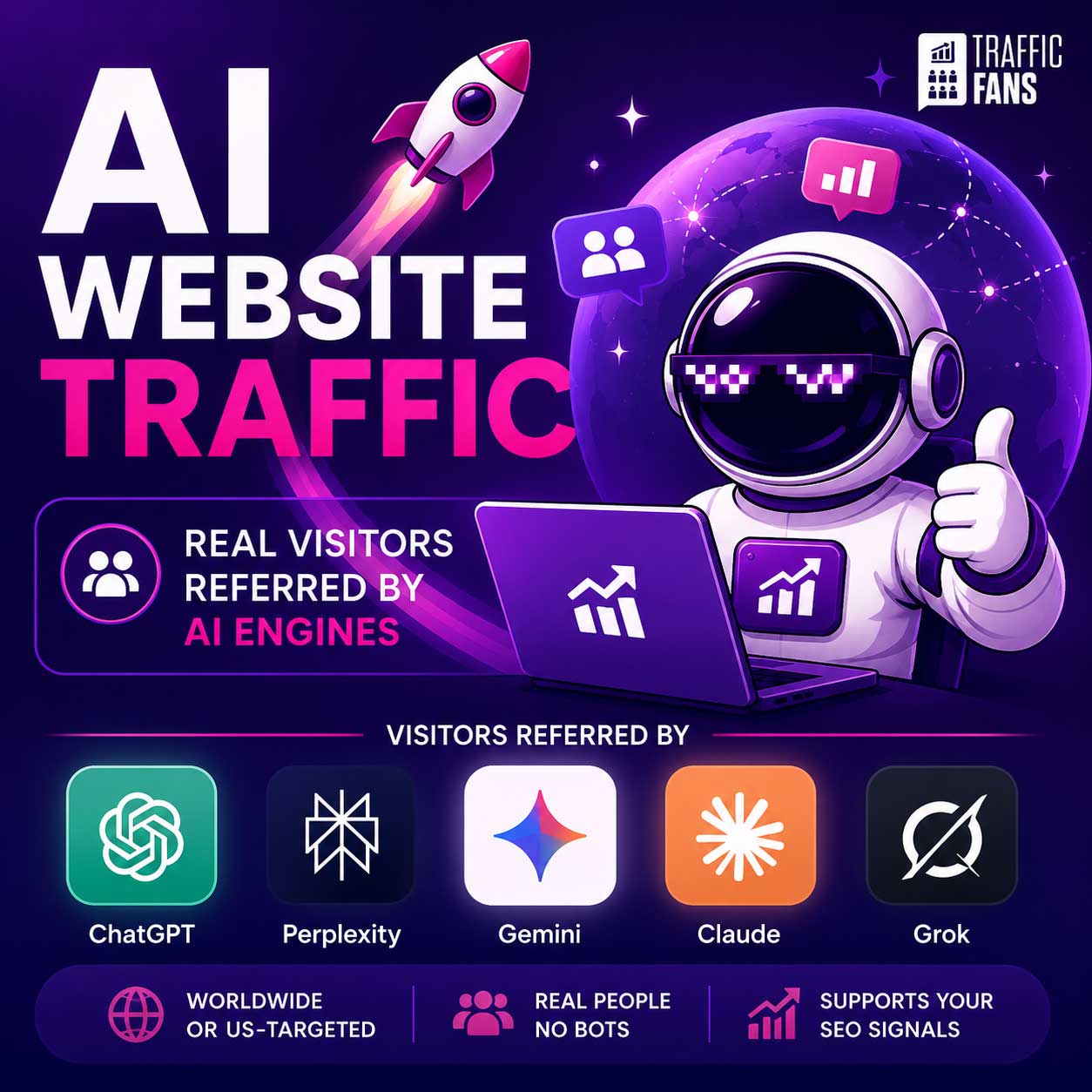
Here is the disclosure, stated plainly. Organic, referral and AI traffic come from private traffic-exchange partners, not from real clicks on Google search results.
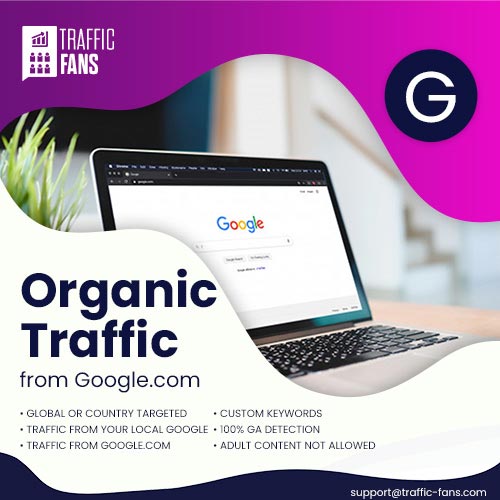
The Organic Traffic from Google package and the AI Website Traffic package are both delivered this way. Nobody types your keyword into Google and clicks your listing. The visit arrives through a partner, carrying a referrer that Analytics reads as organic or as AI.
So the label describes how the visit looks in your reports. It does not describe the route. The visitors are still real people, but the delivery mechanism is different from a search click.
This also tells you what the package does not do. It will not lift your Google rankings, and it is not for anyone who needs proof of search-click behaviour. If your goal is more real visitors on your pages, with a familiar label in your reports, it is a fit.
✅ Want to see the partner route in action? Pick the package that matches the label you want and place a managed order.
RTB Ad Delivery: How Real-Time Bidding Auctions Work
Our self-serve platform, Traffic-Fans.PRO, works differently. There is no partner network doing the routing. Instead, RTB ad delivery runs on auctions, and your settings decide which ones you enter.
RTB stands for real-time bidding. It sits behind every self-serve format we offer: Display, Native, Push Notifications, Pop, Audience and Verified Audience.
What Happens in an Auction Before an Ad Loads
The auction takes a fraction of a second, and it all happens while the page loads. In order:
- ✅ A page with an open ad slot sends out a bid request.
- ✅ The request describes the page, the visitor’s country and their device.
- ✅ Advertisers bid, and each bid reflects their own targeting and budget.
- ✅ The winning ad is served into the slot.
The visitor sees an ad, clicks it if it interests them, and lands on your page. You never see the auction. You see the visits it produced.
How Your Settings Decide Delivery Speed and Cost
On Traffic-Fans.PRO you build the campaign yourself, so you set targeting, budget, bidding and filters. Those four settings decide which auctions your campaign enters and what each visitor costs.
Take a typical case. A campaign with a low bid and tight filters wins fewer auctions, so it delivers slowly. The usual levers are a higher bid or wider filters, and because you can edit a campaign at any time, you can adjust and watch the pace change.
Formats suit different goals:
- ✅ Pop: high volume at low cost.
- ✅ Push: high ROI potential.
- ✅ Native: engagement.
After your first top-up, your account is created within 12 hours and the login details land in your inbox. Top-ups from inside the panel are instant after that.
This route asks for your time. If you would rather not build and tune campaigns, a managed package is the better match, because our team sets it up for you.
✅ Ready to run your own auctions? Top up, log in and build your first campaign.
How Analytics Shows Paid Traffic: Organic, Referral and AI Labels
Recording is the last stage, and it is where most confusion starts. You buy visitors from one place, and your reports file them somewhere that looks different.
Why a Visit Gets an Organic, Referral or AI Label
Google Analytics sorts every visit into a channel, such as Organic Search, Referral or Direct. It decides using the referrer the browser passes along and any campaign tags the link carries, such as UTM parameters.
A partner-delivered visit lands in whichever row its referrer points to. If the referrer reads as a search engine, it goes to Organic. If it reads as an AI assistant, it goes under AI. If it reads as another site, you get Referral. No referrer and no tags means Direct.
What the Label Actually Describes
The label shows apparent origin. It does not show the route the visit took, and it says nothing about a Google ranking.
Totals can also differ from any provider’s count. Consent settings, ad blockers and tag timing all affect what gets recorded, so a small gap between the two numbers is normal and has nothing to do with the delivery itself. If you want a deeper look at reporting, here is how visits register in Google Analytics.
✅ Already know which label you want in your reports? Choose the matching package and tell us your URL.
Delivery Speed and Targeting: What Sets the Timeline
Timelines depend on how many sources a package uses and how narrow your targeting is. Here is the plain version.
Multi-source packages such as Website Traffic for Bloggers can take up to 24 hours to go live, because several sources need to start up together. Organic Traffic from Google can take 12-24 hours for the same reason.
Targeting changes pace too. Tighter GEO and niche filters, like those on GEO and Niche Targeted Traffic, narrow the visitor pool, and a smaller pool can slow the pacing.
So if you need a fast start, keep your filters sensible. A very narrow country and niche combination is a fine choice, but you should expect it to move at a gentler pace.
Setting Expectations: Real Visitors, Not Guaranteed Results
We deliver real visitors, and real people do what they like. Their behaviour is outside anyone’s control, including ours.
That is why we promise no conversions, clicks, likes or follows. What happens after arrival depends on your site and on the visitor.
Anyone who promises otherwise is selling you something other than traffic. If you want a fuller look at what you are actually buying, start there.
Who Holds the Controls: Managed Packages vs Self-Serve
Control is the clearest trust marker between our two buying models. You can compare managed packages versus self-serve campaigns in more detail, but the split is simple.
Managed packages (Traffic-Fans.com):
- ✅ You fill in an order form with volume, GEO, niche or keywords, speed and URL.
- ✅ Our team sets the campaign up by hand from your order details.
- ✅ After ordering, you have no direct controls. Changes go through support.
- ✅ Full refund if the campaign has not started, pro-rata refund for the unused portion once it is live (crypto excluded).
Self-serve campaigns (Traffic-Fans.PRO):
- ✅ You create, edit, pause or duplicate campaigns at any time.
- ✅ Money-back guarantee on the unused balance (crypto top-ups excluded).
If a managed campaign underdelivers or the daily numbers look off, talk to support. We often respond with bonus traffic, adjustments or a free trial of an alternative traffic type or source.
Delivery Checklist: Questions to Ask Before You Buy
Many providers oversell delivery. They say “real visitors” and “organic” and leave the rest to your imagination. Before you pay anyone, including us, put these five questions to them:
- ✅ Where exactly do the visitors come from?
- ✅ How will they show up in Google Analytics?
- ✅ How long until the campaign goes live?
- ✅ Who changes the campaign after I order?
- ✅ What happens if delivery falls short?
You should get a straight answer to each one. A provider that dodges any of them has told you what you need to know.
The easiest way to test our answers is to try us. Every customer gets one free trial, and you request it through the contact form for a specific package. Pick the one you are curious about and claim your free trial package.
Frequently asked questions
Does Organic Traffic from Google come from people searching on Google?
No. It is delivered through private traffic-exchange partners, not through clicks on Google search results. It shows as organic in Analytics because the visit carries a referrer that Analytics reads that way. The visitors are real people, but the route is different from a search click.
How long does it take for a traffic package to start?
Multi-source packages such as Website Traffic for Bloggers can take up to 24 hours to go live. Organic Traffic from Google can take 12-24 hours. Tight GEO and niche filters narrow the visitor pool, which can slow the pacing further.
Why does my Analytics count differ from the provider’s count?
Analytics only records what its tag can see. Consent settings, ad blockers and tag timing all affect what gets logged, so some gap between the two totals is normal. The label also shows apparent origin from the referrer, not the delivery route.
Can I change a campaign after I order?
With a managed package, contact support and we will pause or adjust it. With a self-serve campaign on Traffic-Fans.PRO, you can edit, pause or duplicate it yourself at any time.
Will the visitors convert, click or follow?
We promise none of those. The visitors are real people and their behaviour cannot be controlled, so results depend on your site and on each visitor.